Freelance AI Video Editor Philippines – Higgsfield ChatGPT Workflow
A freelance AI video editor Philippines can polish Higgsfield‑generated UGC clips, cutting raw‑footage time in half while keeping broadcast quality.
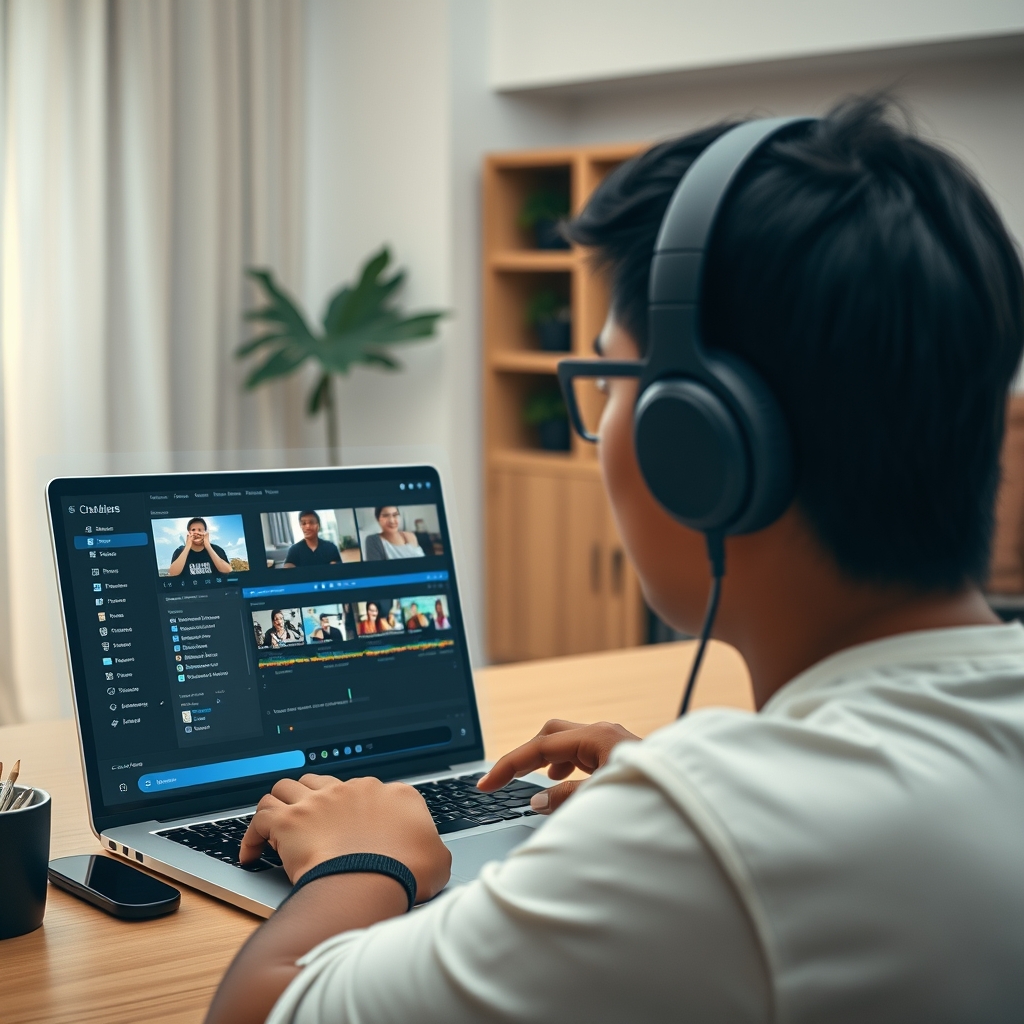
Quick answer: A freelance AI video editor Philippines can take raw UGC‑style clips generated by the Higgsfield ChatGPT plugin, upscale them with Magnific, and polish the edit in half the time while delivering broadcast‑ready quality. This hybrid AI‑human pipeline slashes raw‑footage turnaround and keeps costs low.
In practice, you write a prompt, let ChatGPT spin a video, hand the assets to a seasoned Filipino editor, and walk away with a finished cut that looks like a professional production. The model works because the Philippines supplies English‑fluent, Adobe‑savvy talent at roughly $50 per 10‑minute edit, and the AI tools handle the grunt work.
1. What the Higgsfield plugin for ChatGPT is
The Higgsfield plugin embeds directly inside ChatGPT, turning a textual prompt into a ready‑to‑edit UGC ad or faceless video. In a 2026 demo, Kuya R shows how a single command produces a 15‑second clip that already includes background music, on‑screen text, and a generated avatar (source). The plugin also supports Arabic‑language creators, as demonstrated by NextGen AI (source). You don’t need a separate video‑generation app – the output is a downloadable MP4 that can be fed straight into a post‑production workflow.
Key features:
- Prompt‑to‑video in seconds.
- Built‑in motion‑control mapping for character animation.
- Export of raw frames that can be upscaled.
When you fire up the Higgsfield plugin inside ChatGPT, the first decision you face is how much narrative detail to bake into the prompt. A tight, action‑oriented script – for example, “30‑second TikTok ad for a bamboo toothbrush, bright morning light, upbeat acoustic track” – gives the model a clear visual and auditory palette, which the demo by Kuya R shows can be rendered into a complete 15‑second clip in under a minute (source). If you overload the prompt with extraneous adjectives, the generation time climbs and the output may include unintended visual elements that later need manual removal. Striking the right balance between brevity and specificity is the sweet spot for speed‑first workflows.
One practical trade‑off the plugin forces you to consider is resolution versus turnaround. By default the engine spits out a low‑resolution MP4 (often 720p) that is instantly downloadable. This is intentional: the lower bitrate keeps the compute budget low, letting you iterate on copy or branding within seconds. When the final deliverable must meet broadcast‑grade standards, you can either ask the plugin for a higher‑resolution render – which adds roughly 30‑40% more processing time – or you can keep the fast 720p output and feed the raw frame sequence into an upscaler like Magnific (see the Magnific promo video for the visual uplift it provides source). The latter approach preserves the rapid‑feedback loop while still achieving a crisp final image.
The motion‑control mapping feature is where the plugin really differentiates itself from generic text‑to‑video tools. In the generative editing walkthrough, the plugin lets you upload a reference video of a human performer; it then transfers the performer’s gestures, head turns, and timing onto a generated avatar (source). This means you can shoot a quick smartphone take of a brand ambassador speaking a line, drop it into the ChatGPT window, and instantly get a stylized faceless version that matches the exact pacing you captured. The trade‑off is that the avatar’s fidelity is bound by the underlying model’s training data – complex facial expressions may look slightly generic – but for UGC‑style ads that thrive on simplicity, the speed gain outweighs the modest loss in nuance.
Language support is another strategic lever. The NextGen AI showcase proves the plugin can generate Arabic‑language UGC clips without any extra localization step (source). This opens the door for brands targeting multilingual markets to run a single prompt workflow and obtain native‑language video assets on the fly. The downside is that the built‑in text‑to‑speech engine currently favors a limited set of voices, so if you need a specific regional accent you may have to replace the audio track in post‑production – a trivial step for a Filipino editor familiar with Premiere Pro’s audio‑swap workflow.
From an integration perspective, the biggest advantage is that you never leave the ChatGPT environment. The plugin delivers a downloadable MP4 and an optional ZIP of raw frames, which you can drop straight into a shared Google Drive folder for your freelance AI video editor in the Philippines. Because the hand‑off is just a file transfer, you avoid the friction of juggling separate web apps or API keys. The only decision point here is whether to include the raw frame ZIP; if your editor plans to apply AI‑upscaling or frame‑by‑frame color correction, the extra data is worth the modest increase in storage usage.
Finally, a hypothetical scenario illustrates how these choices play out. Imagine a DTC skincare brand needs a 20‑second UGC testimonial for Instagram Stories. The marketer writes a prompt: “20‑second testimonial from a young woman with clear skin, soft pastel background, gentle piano music, on‑screen text: ‘Glow Everyday'”. The Higgsfield plugin returns a 720p MP4 in 45 seconds, complete with background music and animated text. The marketer decides to keep the fast output, uploads the MP4 and frame ZIP to a Filipino editor, and instructs them to upscale the frames with Magnific and replace the generic piano track with a royalty‑free acoustic piece. The editor spends roughly 30 minutes polishing the clip, delivering a broadcast‑ready 1080p asset by the next morning. By accepting the low‑res default and leveraging external upscaling, the team halves the raw‑footage creation time while still meeting quality expectations – exactly the efficiency gain the workflow promises.
2. How the Higgsfield workflow works with a freelance AI video editor Philippines
Here’s the end‑to‑end pipeline that lets you cut raw‑footage time roughly in half:
- Prompt creation. In ChatGPT you type a concise script or hook, e.g., “30‑second TikTok ad for a vegan protein shake, energetic, bright background.” The Higgsfield plugin returns a raw clip (usually low‑res) (source).
- Upscale frames. Run the clip’s key frames through Magnific AI, which “makes low‑res images look insane” (source). The promo‑code video confirms the 45 % discount and the visual boost (source). This step raises the visual fidelity without buying stock footage.
- Asset hand‑off. Upload the original MP4, the upscaled frame sequence, and a brief brief (brand guidelines, fonts, music preferences) to a shared folder on Google Drive or Frame.io. The LinkedIn hiring guide stresses the importance of feeding editors clear brand assets and a simple revision workflow (source).
- Editor refinement. A freelance AI video editor Philippines pulls the assets into Premiere Pro (or DaVinci Resolve). Using the motion‑control overlay from Higgsfield (see the YouTube tutorial on generative editing (source)), they fix lighting mismatches, replace shaky background elements, and add brand‑specific lower‑thirds.
- AI‑assist tools. The editor may sprinkle Runway or Pika overlays – tools that are already in the typical Filipino freelancer’s stack (source). This keeps the workflow fully AI‑augmented without extra licensing costs.
- Delivery. The final MP4 is uploaded back to the shared folder, a quick quality‑check is run, and the editor signs off on ownership transfer (as required by the Pixflow pricing guide (source)).
The result is a polished, on‑brand video ready for TikTok, YouTube Shorts, or Meta ads, delivered in a day or two depending on the editor’s load.
3. Why hiring a freelance AI video editor Philippines is a smart move now
The Philippines remains the top offshore pool for video editors in 2026 (source). Three concrete advantages stack up:
| Benefit | What it means for you |
|---|---|
| Cost efficiency | Skilled editors charge ~US$50 for a 10‑minute YouTube edit, inclusive of standard revisions (source). |
| Tool readiness | Most freelancers already master Premiere Pro, Final Cut Pro, DaVinci Resolve and AI utilities like Runway, Pika, Google Veo 3 (source). |
| English fluency | Official language, smooth communication, no need for translators. |
| Timezone leverage | Six‑hour offset lets you hand off night‑time work and receive a morning delivery, effectively extending your production day. |
Hidden costs can bite if you ignore revision caps. The Pixflow guide assumes a capped revision policy; in reality, extra tweaks can add 10‑20 % to the bill (source). The LinkedIn AI‑editor article warns that content often sits idle waiting for feedback, inflating management overhead (source). Mitigate both by defining a “one round minor, two rounds major” revision workflow up front.
“A Filipino AI‑video editor can turn a raw AI clip into a broadcast‑ready asset for about $5 per minute, a price point Western agencies can’t match without sacrificing skill.”
Freelancer.com now lists a dedicated “AI‑Generated Video Experts” category, where top‑rated freelancers combine prompt‑to‑clip generation and post‑production expertise, rating 4.81 / 5 (source). This proves the market has matured to a point where a single freelancer can handle the entire pipeline.
4. How to try it today – actionable steps
Ready to cut your raw‑footage time in half? Follow this checklist:
- Install the Higgsfield plugin for ChatGPT. Open ChatGPT, go to “Plugins,” search “Higgsfield,” and enable it (source).
- Craft a concise prompt. Example: “Create a 20‑second UGC ad for a sustainable water bottle, bright outdoor vibe, upbeat music.”
- Run the prompt. The plugin returns a downloadable MP4 and a set of raw frames.
- Upscale the frames with Magnific AI. Sign up, apply the 45 % promo code shown in the promo video, and process the frames (source).
- Upload the original clip, upscaled frames, and a brief (brand guide, font, lower‑third style) to a shared Google Drive folder.
- Post a job on Freelancer.com for a “freelance AI video editor Philippines.” Use keywords “AI video creator Philippines” and set budget $50‑$60 for a 10‑minute edit. Reference the AI‑generated video expert category (source).
- Define the revision workflow in the job description: one round of minor tweaks, two rounds of major changes. Attach the LinkedIn hiring guide excerpt for clarity (source).
- When the editor delivers the first draft, review via Frame.io or directly in Google Drive, leave timestamped comments, and approve or request the defined revisions.
- Collect the final polished MP4, ensure the ownership/license transfer clause is signed (as per the Pixflow guide), and publish.
If you need a partner to manage the hand‑off or want a vetted shortlist, check out my services page for end‑to‑end execution help (service page). For deeper context on AI‑driven video pipelines, see my earlier post on DTC brands (earlier post).
FAQ
What does a freelance AI video editor Philippines actually do?
They take AI‑generated raw footage, upscale or clean up visual artefacts, add motion‑control fixes, insert brand assets, and deliver a final edit in a format ready for distribution.
How much will I pay for a 10‑minute YouTube edit?
Typical rates in the Philippines hover around US$50 for a 10‑minute edit, inclusive of standard revisions and ownership transfer (source).
Is the Higgsfield plugin compatible with other AI tools?
Yes. The plugin outputs raw frames that you can feed into Magnific for upscaling, Runway or Pika for supplemental visuals, and any standard NLE for final polish (source).